Giới thiệu
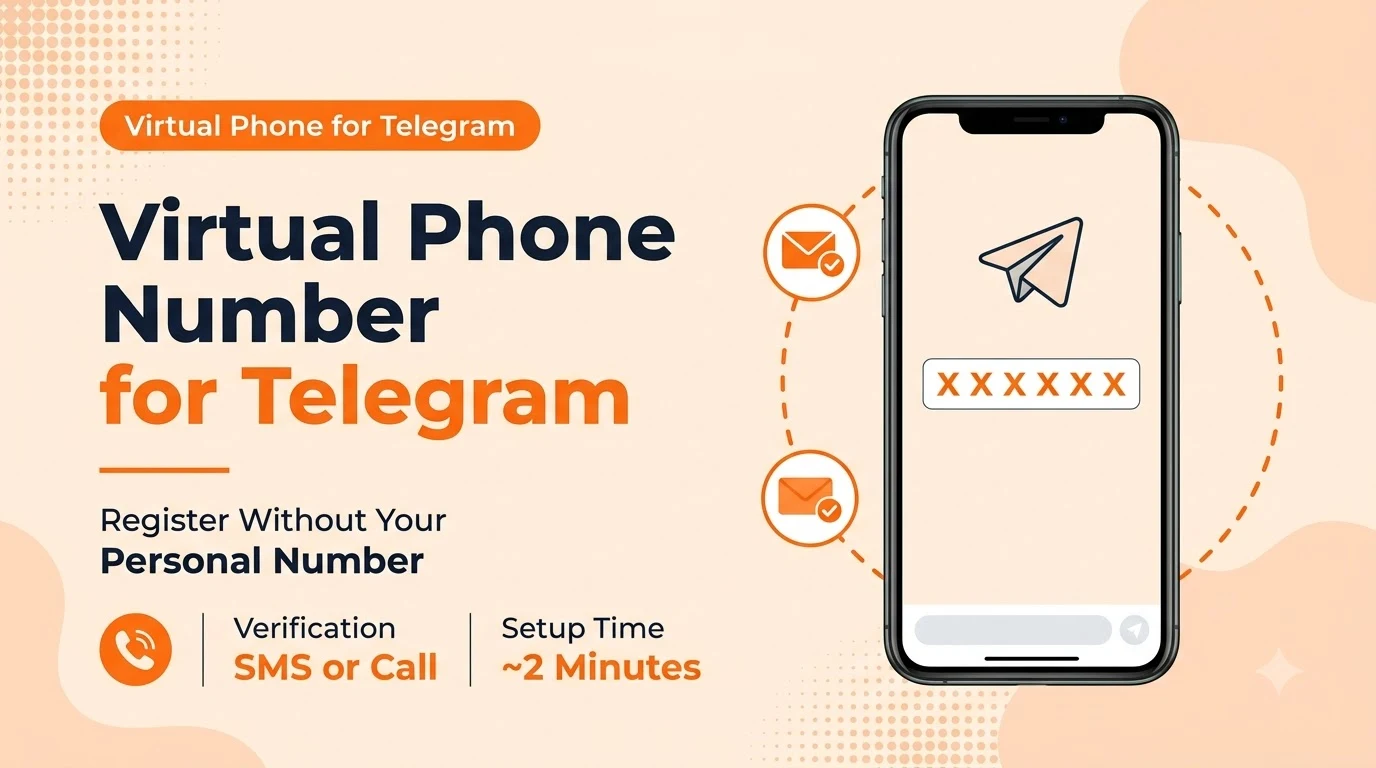
Telegram won't let you create an account without a phone number, and for a lot of people — business accounts, support teams, or anyone who'd rather not hand their personal cell number to every contact — that's the whole problem. A virtual number solves it cleanly, as long as you know what Telegram actually checks for. By the end, you'll know exactly how to register with a number that isn't your own without running into a block.
Bài học chính
- Telegram requires a phone number to register, but that number never has to be your personal SIM.
- Telegram verifies the number with an SMS code by default, with a 'call me' voice option if the text doesn't arrive.
- A real virtual number works for registration; a generated or placeholder number cannot receive the verification code at all.
- You can change the phone number on an existing Telegram account later without losing your chats or contacts.
Why Telegram Requires a Phone Number at All
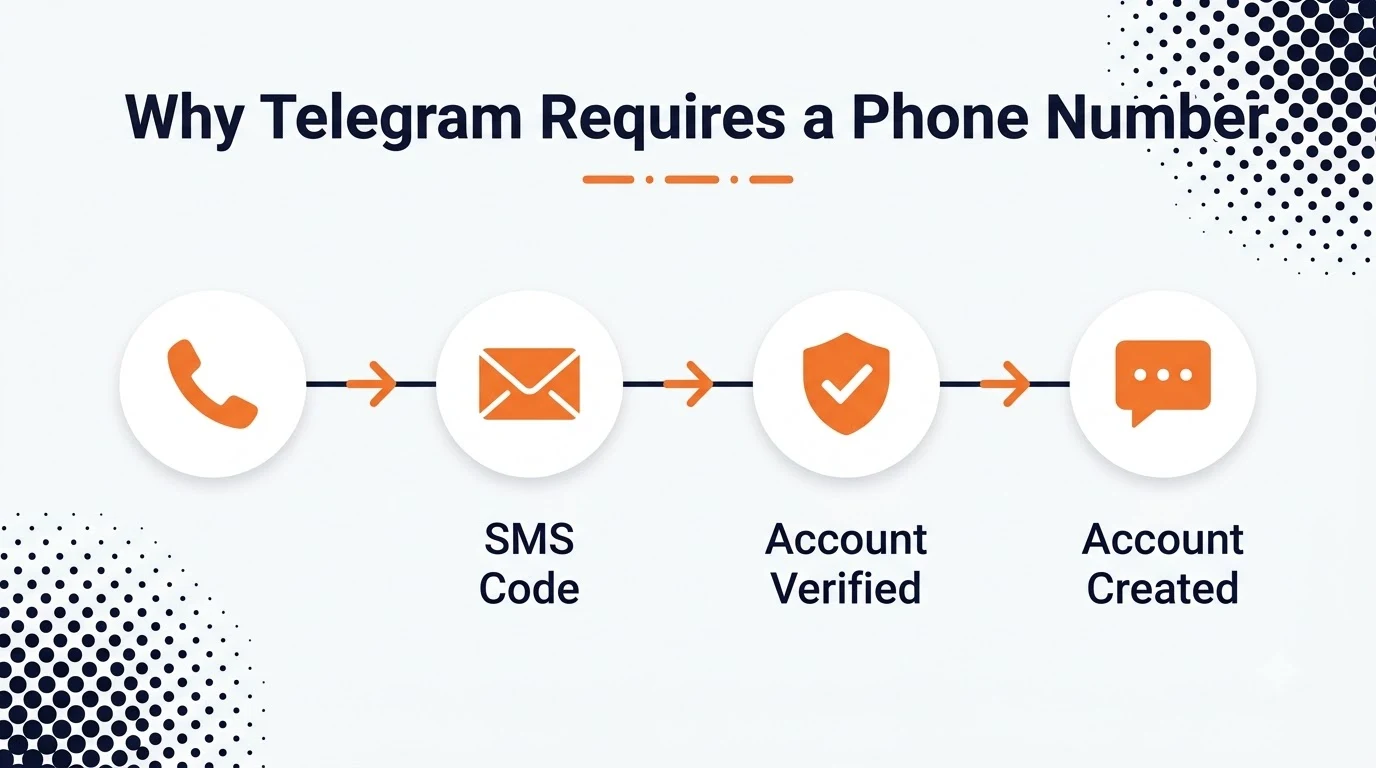
The phone number is Telegram's baseline anti-spam and account-recovery mechanism — it's what makes a new account cost something to create, and it's the fallback if you ever lose access to your device. Usernames are optional and can be changed anytime, but the phone number underneath the account is the one identifier Telegram always keeps on file.
What Counts as a Valid Number for Telegram
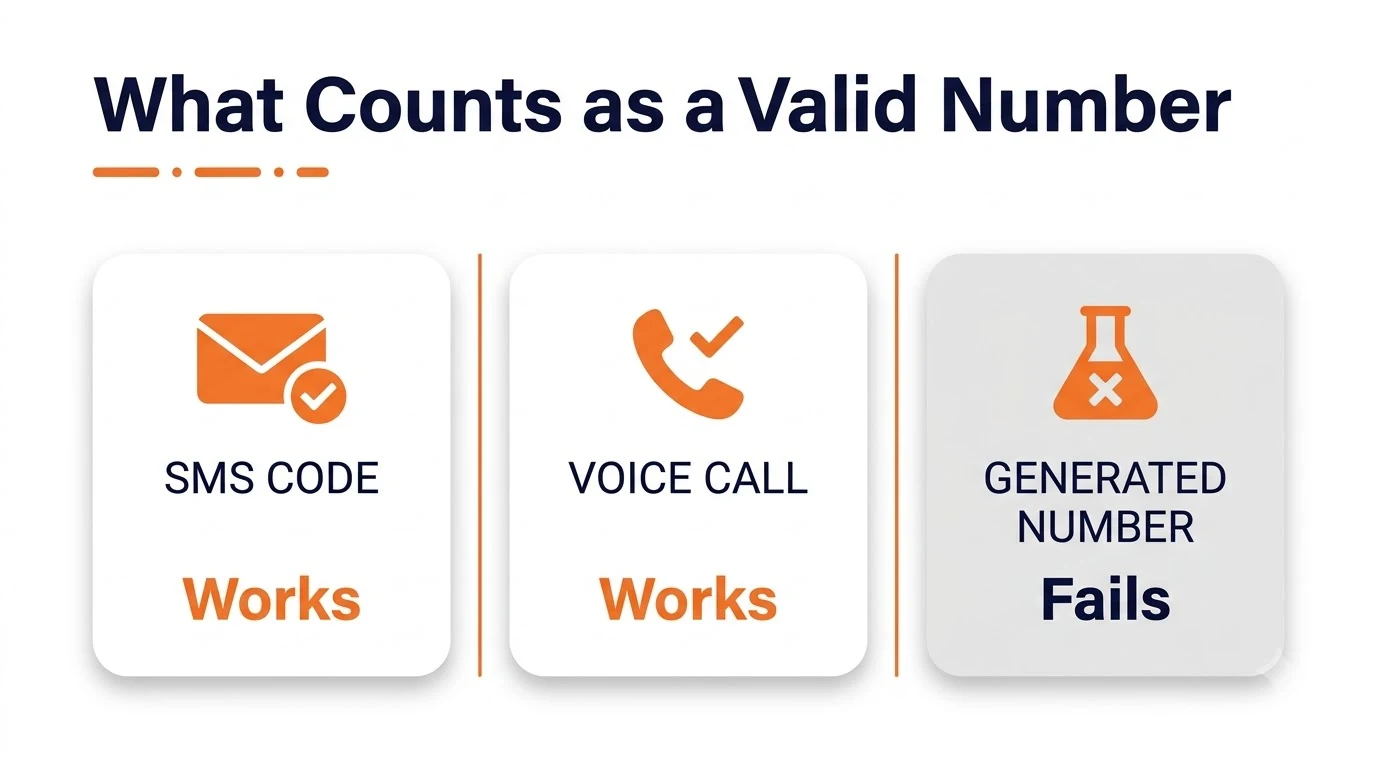
Telegram sends a one-time code by SMS the moment you enter a number, and offers to call and read the code aloud if the text doesn't arrive within a couple of minutes. Any real, working number that can receive one of those two — SMS or a voice call — clears registration. What doesn't work is a generated or placeholder number, since nothing is provisioned behind it to actually receive either.
Using a Virtual Number Instead of Your Personal One
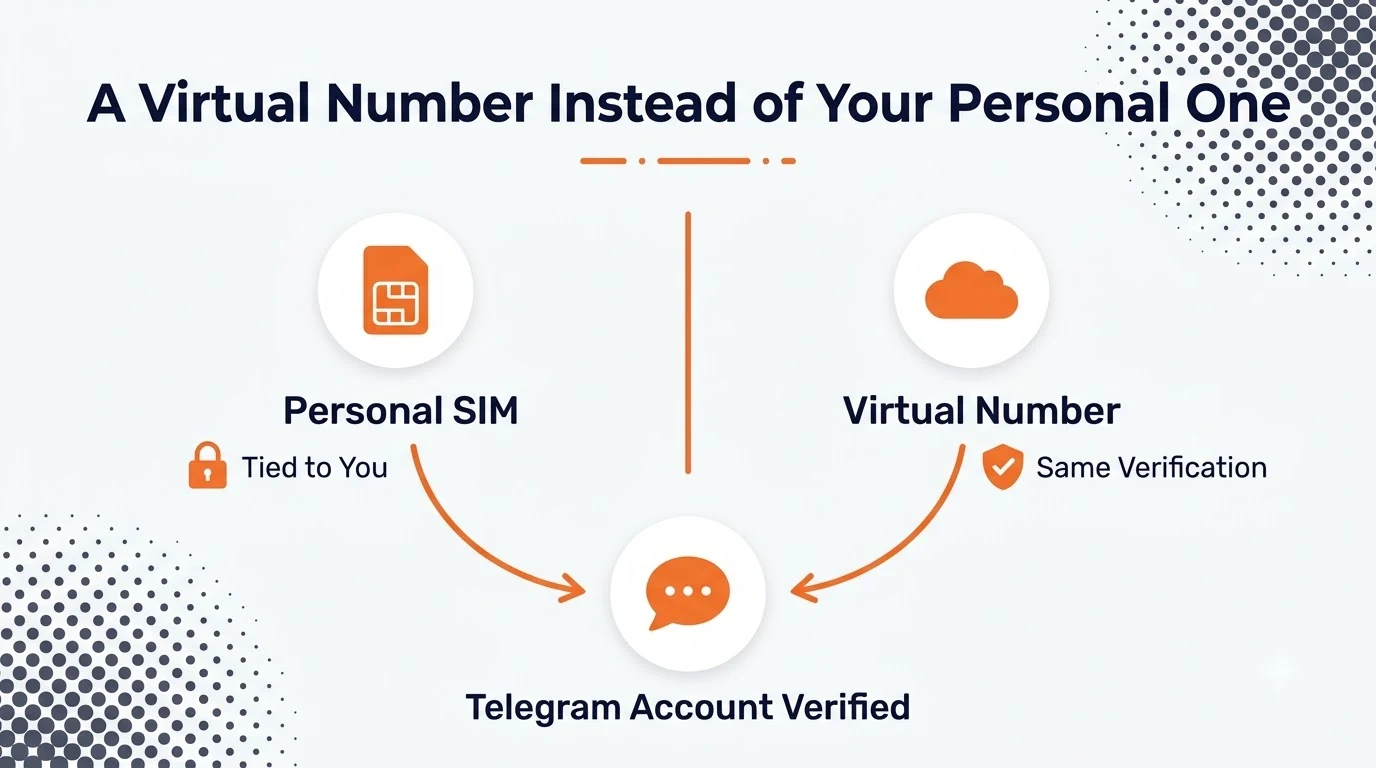
A virtual phone number receives SMS and calls the same way a SIM-based line does, which is exactly what Telegram's check needs — it has no way to tell the difference between a virtual number and a traditional one at signup. That makes it a straightforward swap for anyone registering a business, support, or secondary account who doesn't want their personal number attached to it.
Local, toll-free, or international — any type that reliably receives SMS will pass verification. Toll-free numbers are the one category worth double-checking first, since SMS support on toll-free ranges varies more than it does on local numbers.
Setting It Up Step by Step
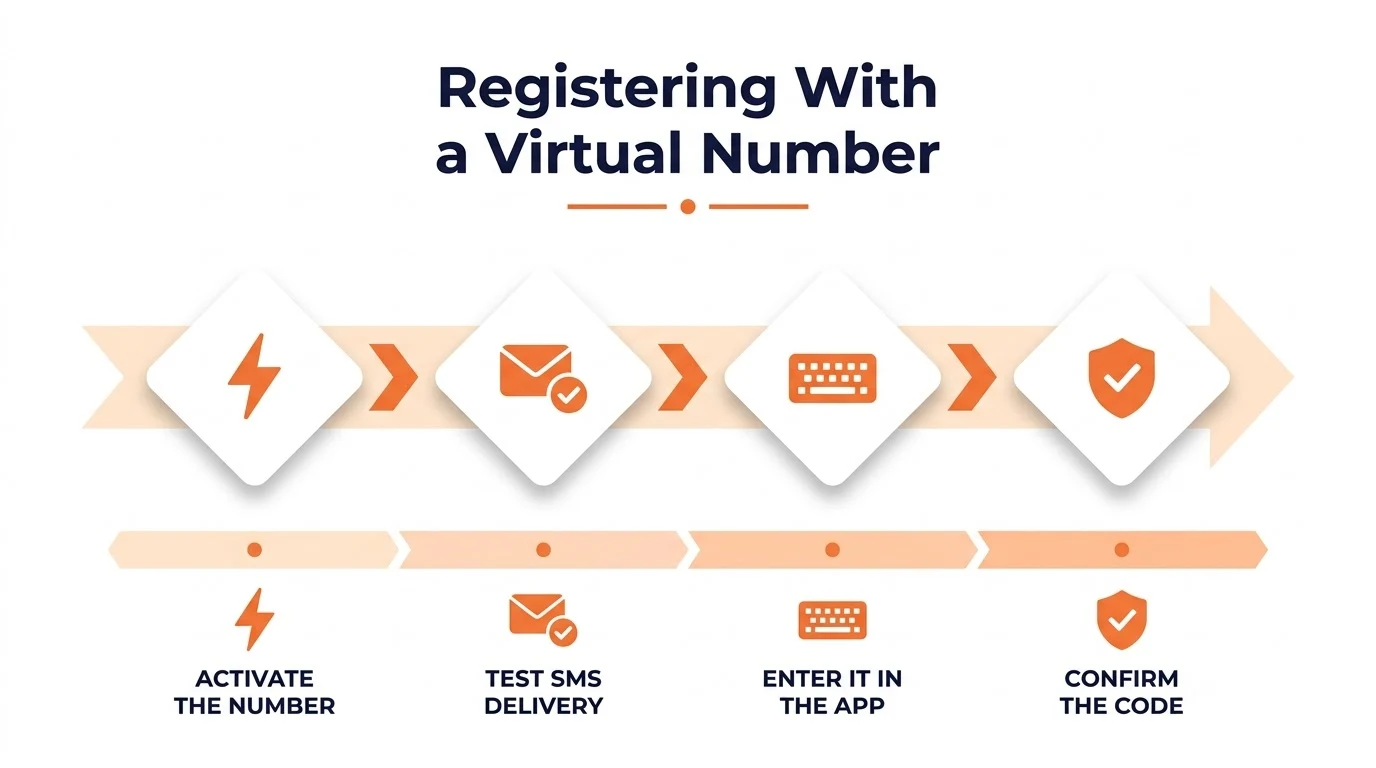
- Activate the virtual number and confirm it can receive an SMS before opening Telegram — a quick test text saves a failed registration attempt.
- Open Telegram and enter the number with its country code.
- Confirm the code the moment it lands.
The account is live from there just like any other.
After You've Registered: 2FA and Backup
Once the account exists, turn on Two-Step Verification and set a password in Telegram's Privacy and Security settings — that password, not the phone number, becomes the real second line of defense if anyone ever tries to move your number to a new SIM or account. If the virtual number ever needs to be reassigned to something else later, Telegram's Settings > Phone Number flow lets you swap in a new number without losing chats, contacts, or history.
Mistakes That Get an Account Flagged
- Trying to register with a generated or placeholder number — it can't receive the SMS or call at all.
- Skipping the SMS test before opening Telegram, then burning the registration attempt on a number that can't actually receive texts.
- Never setting a Two-Step Verification password, leaving the phone number as the only thing standing between the account and a takeover.
- Losing access to the virtual number without first migrating the account to a new one in Settings.
Telegram's own Câu hỏi thường gặp covers the exact verification flow and what to do if a code never arrives, which is worth a skim before registering a number you haven't used with the app before.
Phần kết luận
Telegram's phone number requirement is really just an SMS-or-call check, and a real virtual number clears it the same way a personal SIM would — the account never knows the difference.
For anyone registering more than one account, or one they'd rather not tie to a personal cell, a virtual number is the simpler path, and letsdial is built to get one active in the couple of minutes registration actually takes.
Câu hỏi thường gặp
Được viết bởi Aryan Khan · Ngày 24 tháng 7 năm 2024
Trả lời tác giả