Introduction
A virtual phone number is a real, working number that isn't tied to a SIM card, a desk phone, or a physical location — it routes calls to whatever device you tell it to, over the internet instead of a copper line. Businesses use them to get a local presence in a city they don't have an office in, remote teams use them so everyone can share one company number, and individuals use them to keep a personal cell number private. By the end, you'll know exactly how a call actually finds you and what to check before picking a provider.
Key takeaways
- A virtual phone number routes calls over the internet to any device you assign — phone, laptop, or app — with no SIM card involved.
- The same virtual number can ring a local city code, a toll-free range, or an international destination, independent of where you physically are.
- Setup takes minutes: pick a number, assign where it rings, and it's live — no hardware, no porting wait for a brand-new number.
- Unlike a generated placeholder number, a virtual number is fully real — it rings, receives SMS, and passes verification like any other line.
How a Virtual Phone Number Actually Works
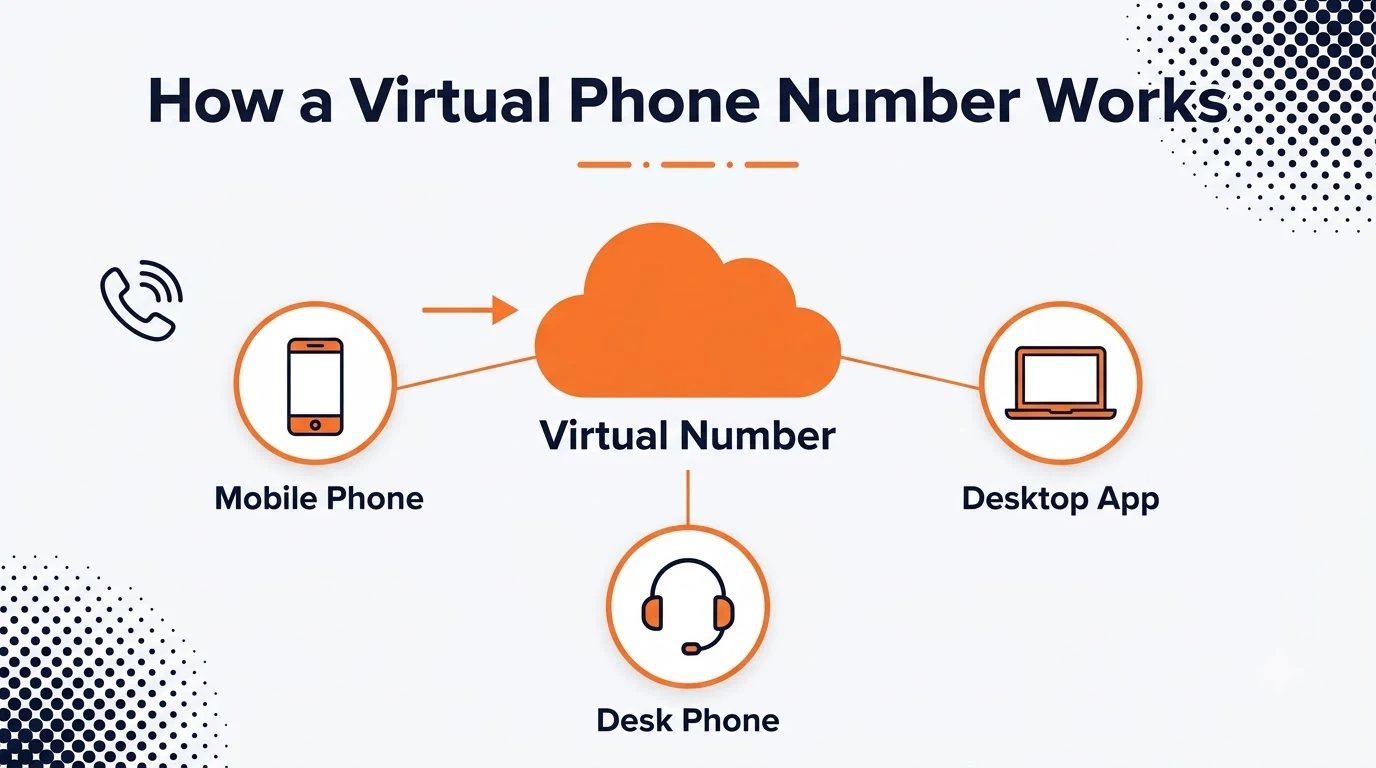
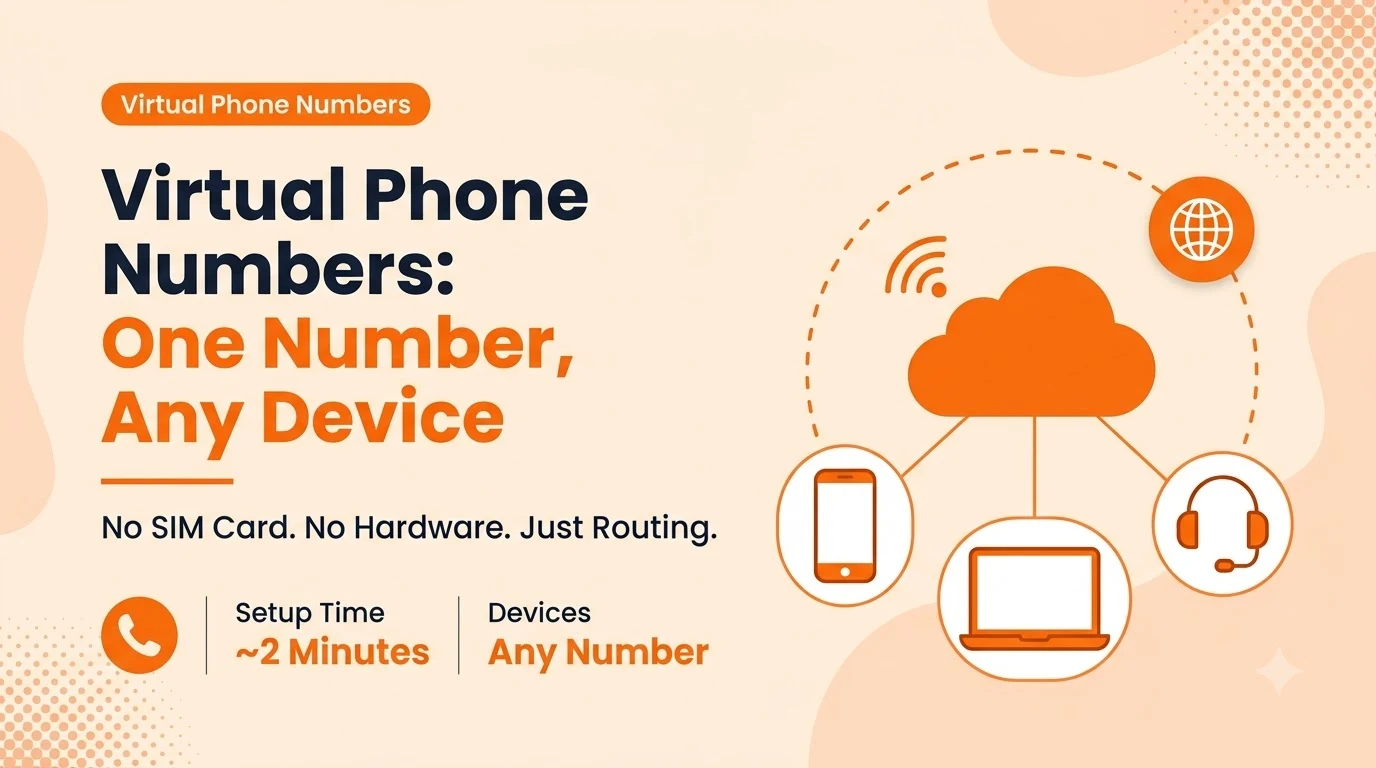
A traditional number is wired to one physical line — one desk, one SIM, one location. A virtual number lives in the cloud instead: when someone dials it, the call is converted to data, routed over the internet, and delivered to whatever device or app you've assigned, whether that's a mobile phone, a laptop, or a desk handset.
That's also why the number itself is portable in a way a SIM-based line never is. Move offices, swap phones, or add a second person to answer the same line, and the number doesn't need to change — only the routing behind it does.
The Different Types of Virtual Numbers
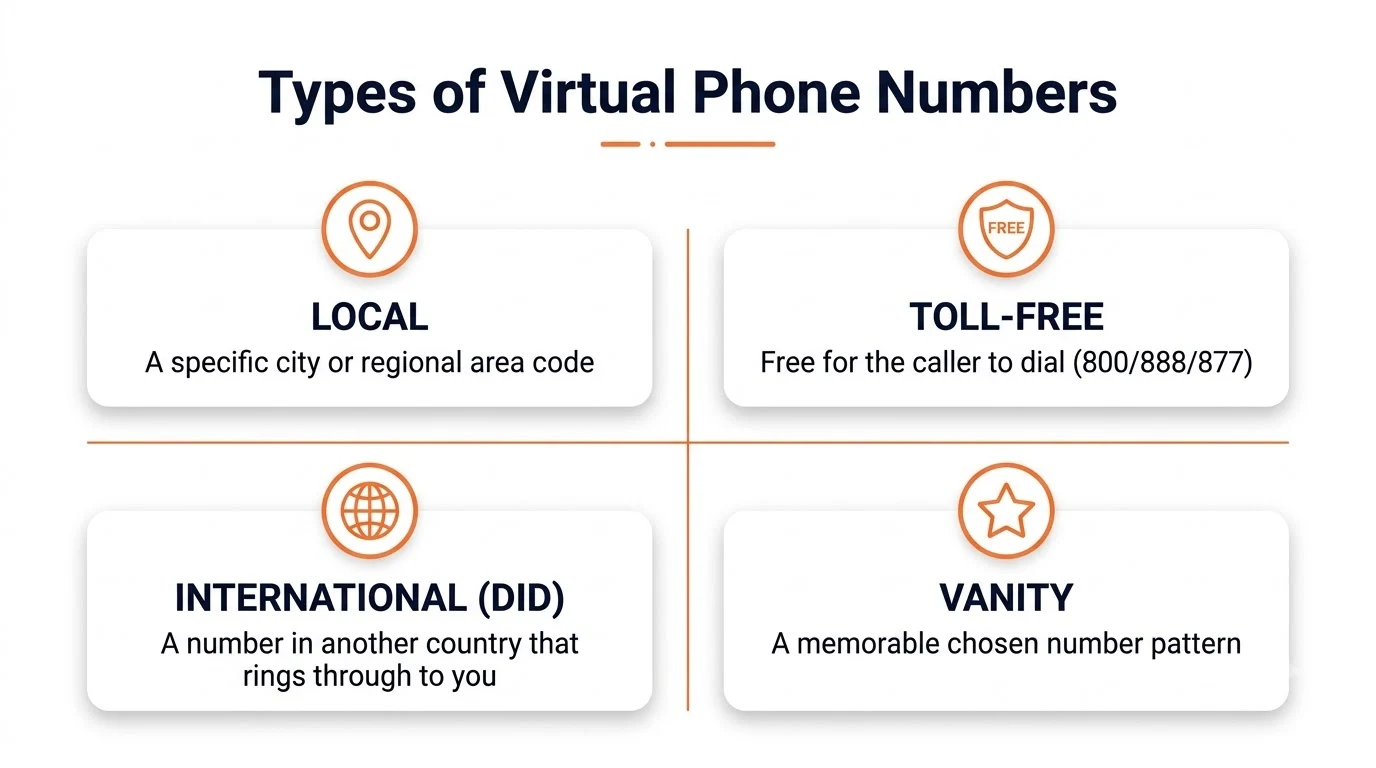
Not every virtual number serves the same purpose. Picking the right type matters more than picking the right provider.
- Local — a number with a specific city or regional area code, used to look and feel local to customers in that market
- Toll-free — an 800/888/877-style number that's free for the caller to dial, common for support and sales lines
- International (DID) — a number in another country that rings through to you wherever you actually are
- Vanity — a number chosen for a memorable pattern or word, usually paired with a toll-free or local range
What a Virtual Number Can Do That a SIM Can't
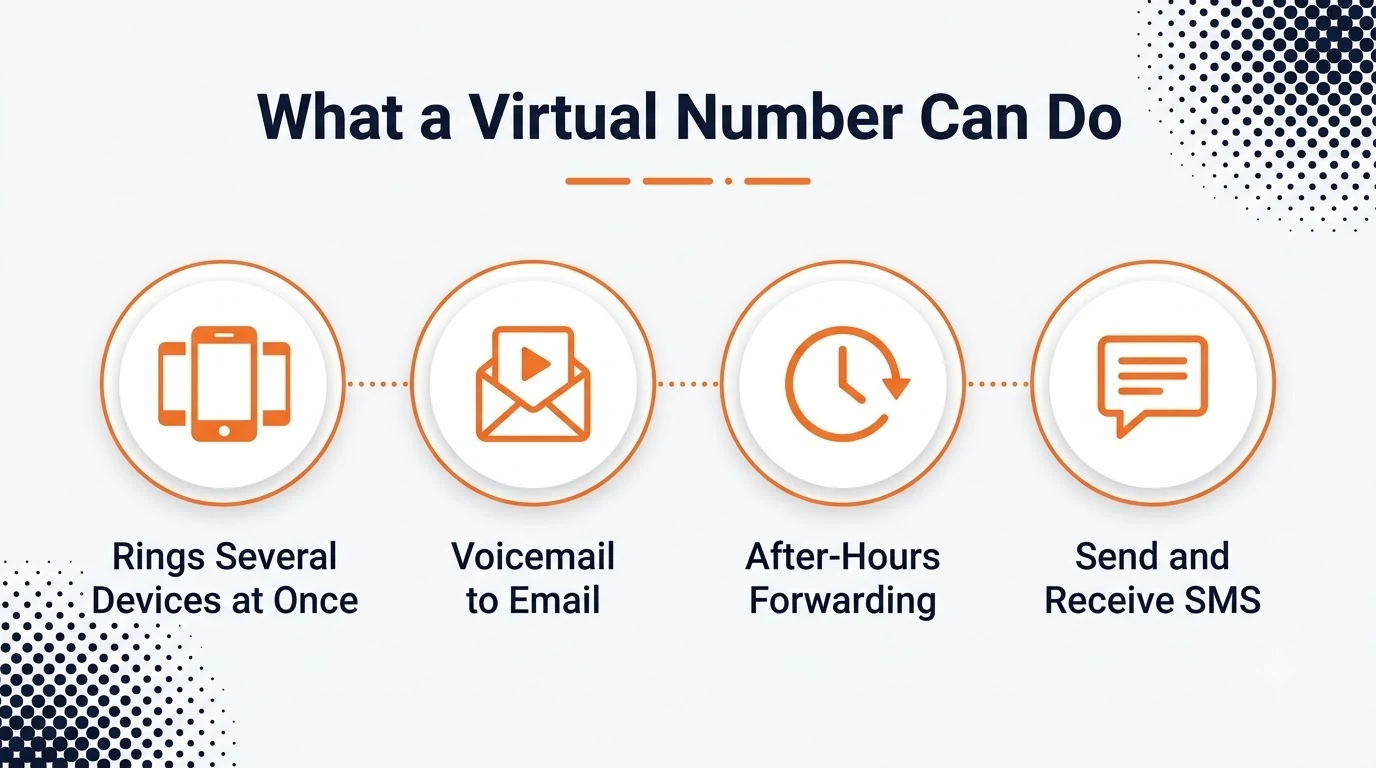
Because the routing happens in software rather than in a handset, a virtual number can do things a SIM-bound line structurally can't: ring several devices at once, forward automatically after hours, transcribe voicemail to your inbox, and send or receive SMS from the same number a call comes in on.
That's the same logic behind a modern business phone system — the number, the routing, and the caller ID all live on one platform instead of being split across a carrier SIM and a separate app.
Setting Up a Virtual Number in Minutes
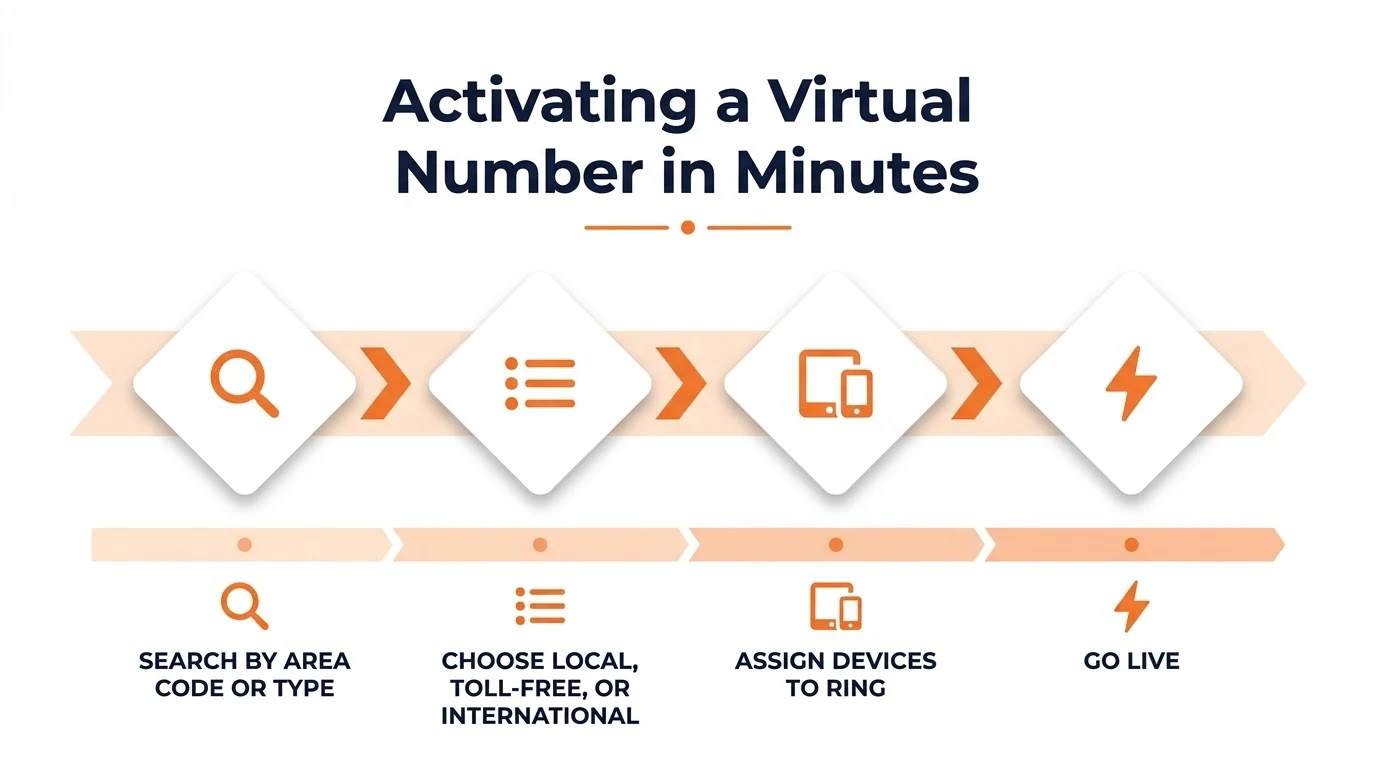
- Search by area code, city, or toll-free range.
- Choose local versus international versus toll-free.
- Assign which devices or apps should ring.
- The number goes live.
There's no SIM to mail, no porting delay for a brand-new number, and no desk phone to install.
Reading the Fine Print: E911 and Porting
Two details trip people up after activation rather than during it. Emergency calling (E911) on a virtual number depends on the registered service address being current, since the number itself carries no fixed location the way a landline does — update it any time the primary device moves. Porting an existing number in takes longer than activating a new one, typically a few business days rather than minutes, so plan the switch date around that gap rather than around the provider's marketing copy.
Mistakes That Cause Setup Headaches
- Forgetting to update the E911 service address after the primary device or office moves.
- Porting an existing number the same day as a launch, instead of days ahead of the deadline.
- Picking a toll-free number for a purely local audience, paying more for reach nobody needed.
- Assuming every provider includes SMS on every number type — some restrict texting to specific ranges.
The underlying technology is the same voice-over-internet-protocol standard used across cloud calling generally — VoIP — which is what makes a single number capable of ringing multiple devices in the first place.
Conclusion
A virtual phone number is a real line that happens to route over the internet instead of a fixed wire — which is exactly what makes it possible to pick a local, toll-free, or international number independent of where you're actually sitting.
The setup itself is quick regardless of provider; what separates a good one is whether the number, the routing rules, and the caller ID are managed together instead of stitched across separate tools, which is the setup letsdial is built around.
Frequently Asked Questions
Written by Aryan Khan · July 20, 2024
Reply to the author