Introduction
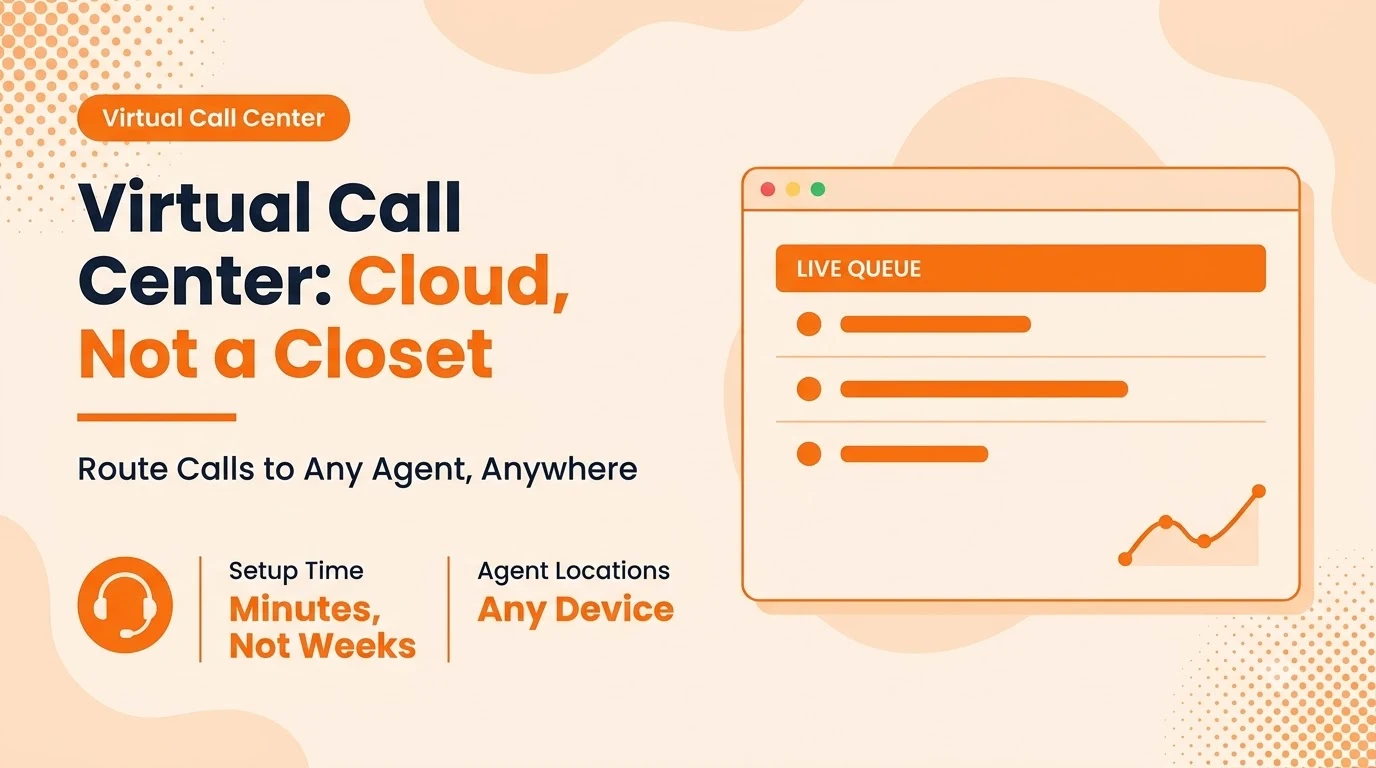
A virtual call center does the same job a traditional one does — routing incoming and outgoing calls to the right agent — without the room full of desk phones and a wiring closet to support them. Every agent answers from whatever device they're on, in whatever city they're in, connected through the cloud instead of a shared local phone system. By the end, you'll know exactly what makes the routing work and what a virtual setup needs that a basic phone line doesn't.
Key takeaways
- A virtual call center routes calls over the internet to agents on any device, in any location — no shared phone hardware required.
- The routing logic (queues, skills-based assignment, IVR menus) is what actually makes it a call center rather than just a shared phone number.
- Agents need only a stable connection and a device; there's no desk phone or local PBX to install or maintain.
- Supervisor tools and analytics matter as much as the routing itself — a queue without visibility into it isn't manageable at scale.
What a Virtual Call Center Actually Is
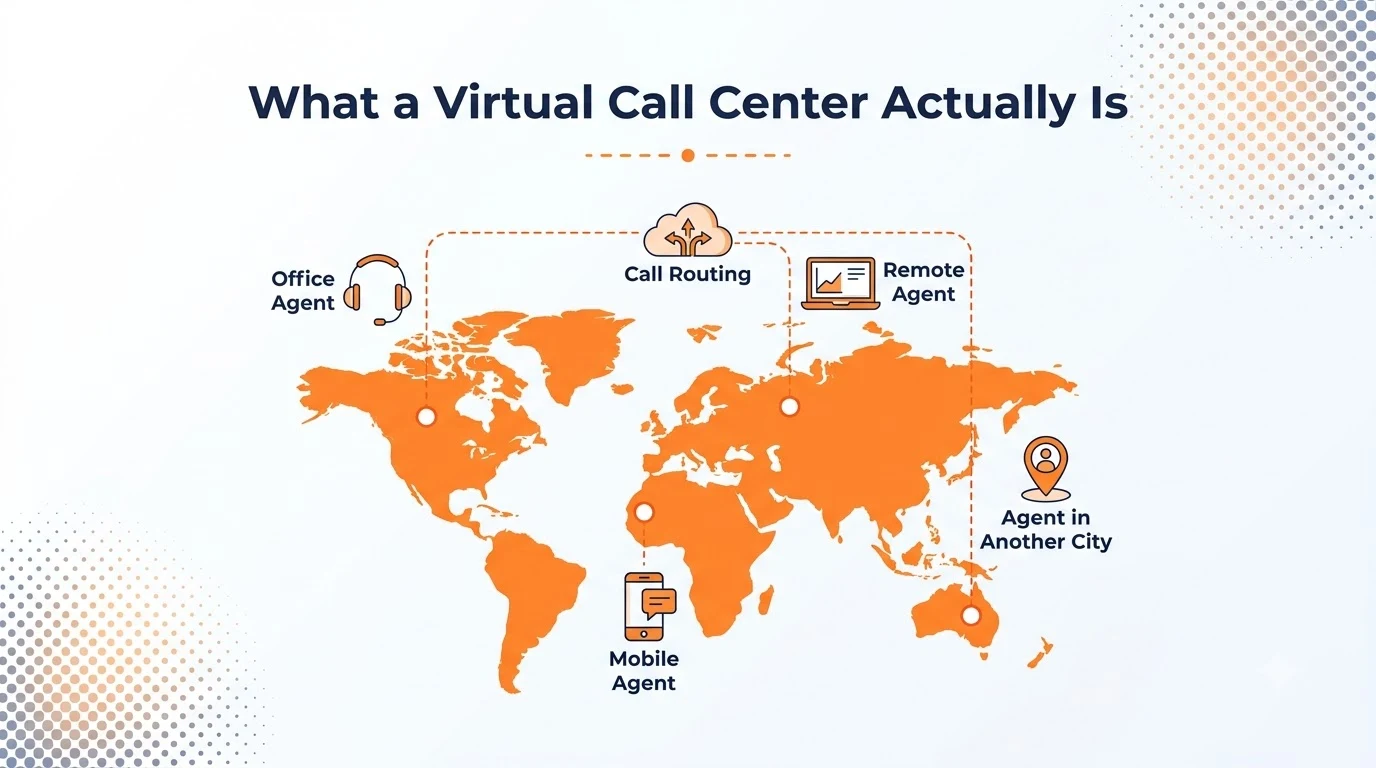
A traditional call center ties agents to one building and one phone system — the routing hardware sits in a closet, and an agent has to be at their assigned desk to take a call. A virtual call center moves that routing logic to the cloud, so any agent with a device and a connection can log into the same queue, whether they're in the next room or a different country.
The number the customer dials doesn't change based on where the agents happen to be sitting that day — the cloud layer handles that translation invisibly.
How Calls Get Routed to the Right Agent
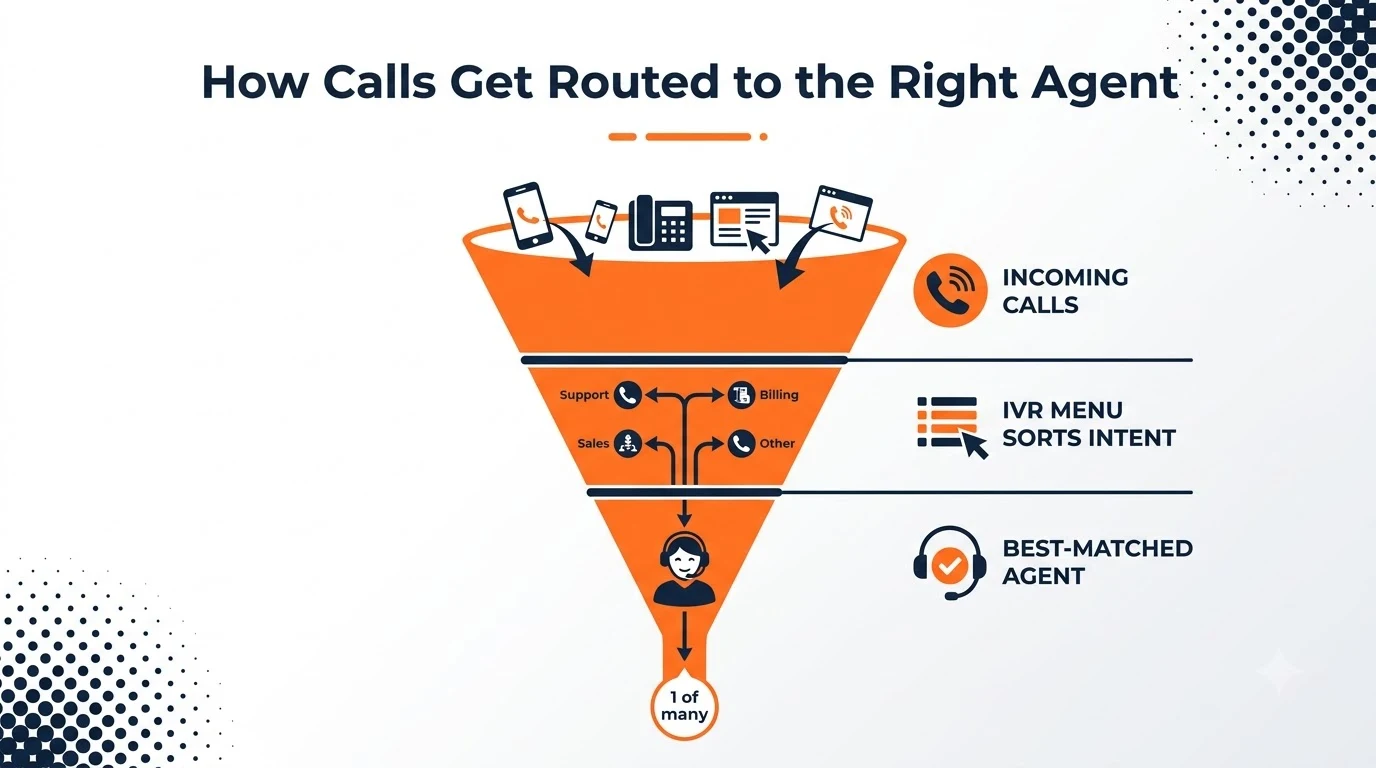
The routing itself usually runs through three layers: an IVR menu that sorts the caller's intent, a queue that holds the call until someone's free, and an assignment rule that picks the best-matched available agent rather than just whoever's been idle longest. Skills-based routing — sending billing questions to agents trained on billing, for instance — is what separates a real call center from a single shared line with several people answering it.
What a Virtual Call Center Needs Beyond a Phone Line
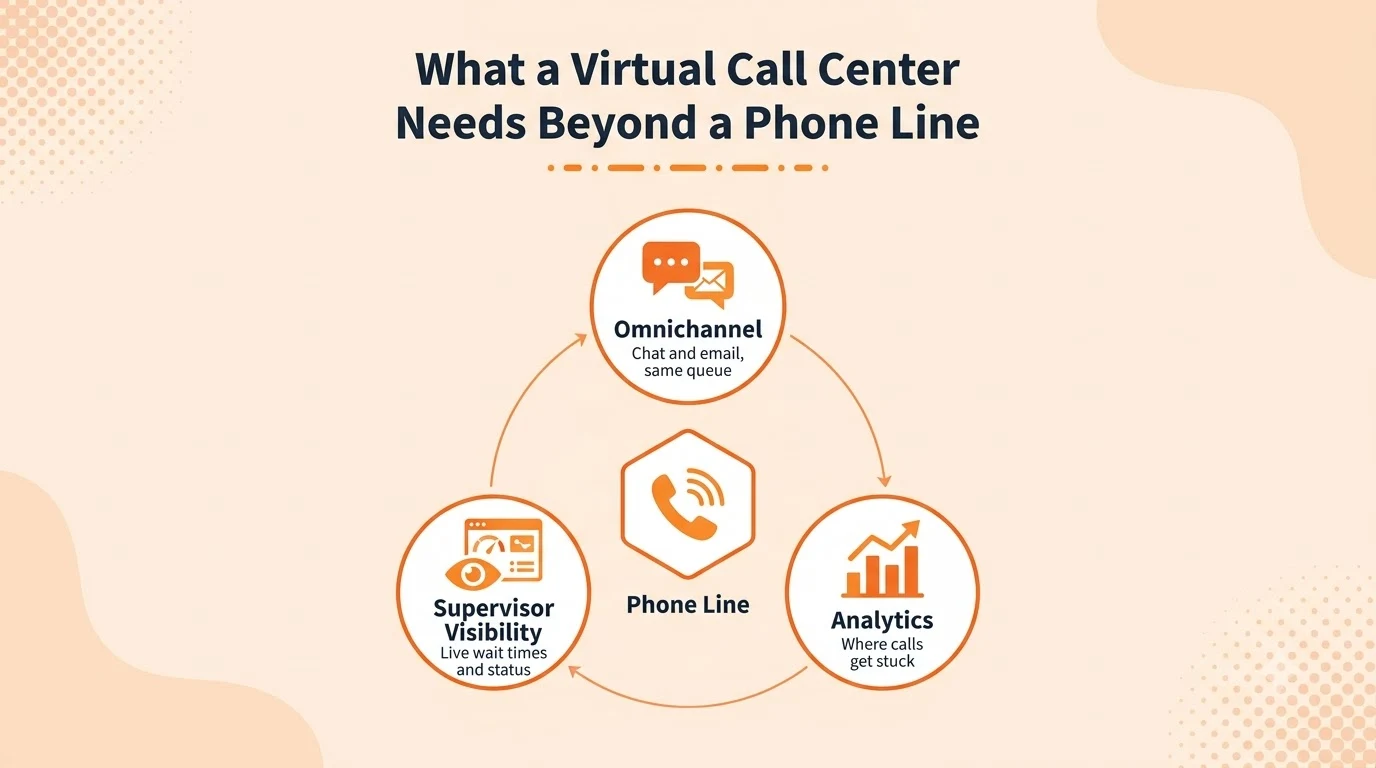
A phone number that rings several people isn't a call center — it's missing the parts that make a queue manageable. A full contact center platform adds the pieces that actually matter day to day: chat and email folded into the same queue as calls, live supervisor visibility into wait times and agent status, and reporting that shows where calls are actually getting stuck.
Without that layer, a growing queue is invisible until customers start complaining about hold times — by which point the fix is reactive instead of planned.
Setting Up a Virtual Call Center in Practice
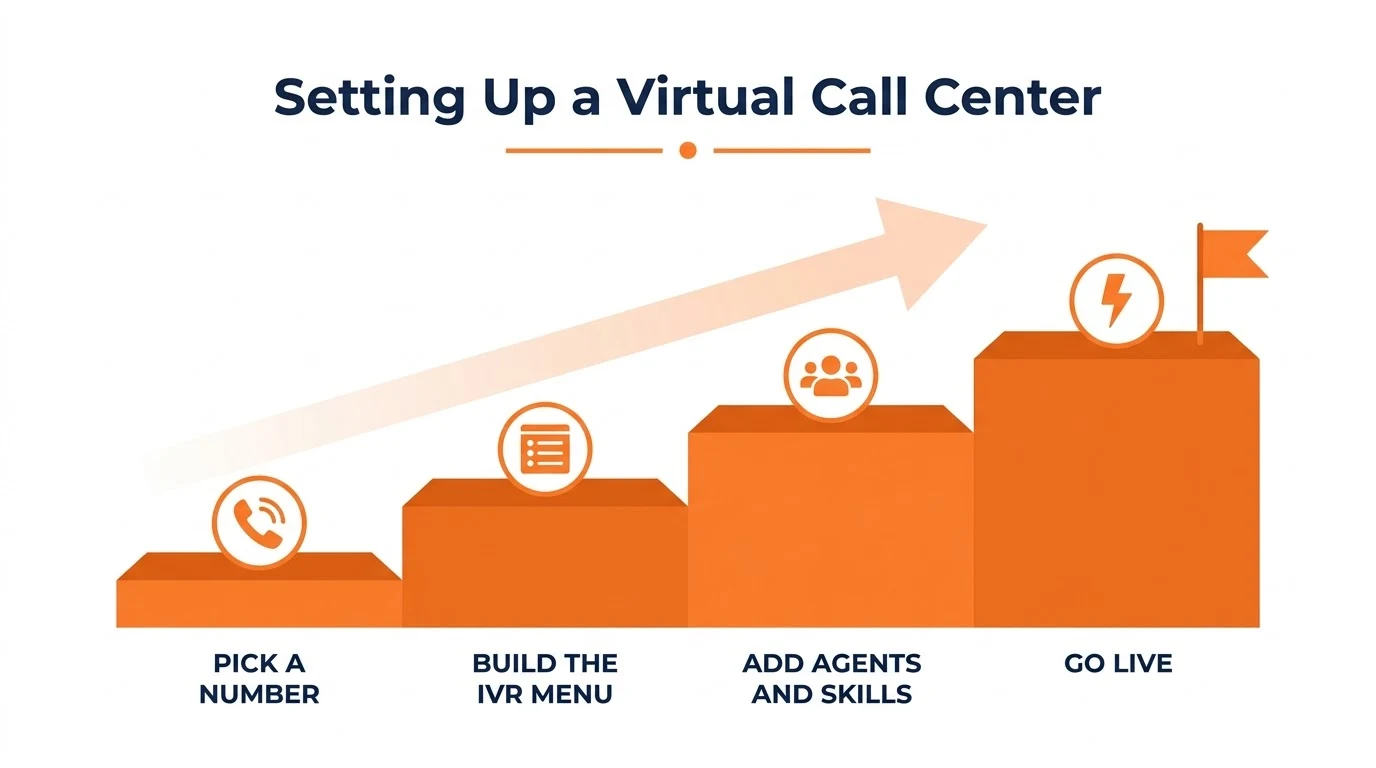
- Pick the number the queue will live behind.
- Build the IVR menu and routing rules.
- Add agents with their skills or teams tagged.
- The queue goes live.
There's no phone closet to wire and no desk hardware to provision — the entire setup happens in software.
Where Agents Actually Work From
Because the routing lives in the cloud, an agent's physical setup barely matters — a laptop and a headset covers most of it, and a mobile app covers the rest for anyone stepping away from a desk. That flexibility is also what makes hiring easier: a skilled agent in a different time zone or city is just another login to the same queue, not a second office to open.
A growing number of teams also route simple, repetitive questions to AI-powered agents before a call ever reaches a human, so live agents spend their time on the calls that actually need a person.
Mistakes That Undermine a Virtual Call Center
- Treating a shared phone number as a call center without any queue logic or skills-based routing behind it.
- Adding agents without supervisor visibility into queue length or wait times until customers start complaining.
- Ignoring channels beyond voice, so chat and email pile up outside the same reporting the calls get.
- Skipping call recording or analytics, leaving no record of where calls actually break down.
The underlying model traces back to how a traditional call centre works — the queue, the IVR, and the routing rules are the same concepts, just running in the cloud instead of on local hardware.
Conclusion
A virtual call center is the same routing problem a traditional one solves — get the right call to the right agent — minus the building and the hardware that used to make that possible.
The setup itself takes a fraction of the time a physical build-out would, and letsdial's contact center tools are built around exactly that: routing, supervision, and reporting that all live in the cloud from the start.
Frequently Asked Questions
Written by Aryan Khan · August 3, 2024
Reply to the author