Introduction
WhatsApp won't create an account without a phone number, and that number becomes the account — it's how contacts find you, and it's what you'd need to hand over to register a second line for a business, a support team, or anything you'd rather keep separate from your personal number. A virtual number handles that requirement cleanly. By the end, you'll know exactly how WhatsApp verifies a number and how to register with one that isn't your personal SIM.
Key takeaways
- WhatsApp requires a phone number to register, and that number doesn't have to be your personal SIM.
- Verification arrives by SMS first, with a voice-call option if the text doesn't land within a few minutes.
- A real virtual number passes verification the same way a SIM does; a generated or placeholder number cannot receive either.
- You can change the number on an existing WhatsApp account later and keep your chat history, using Settings > Account > Change Number.
Why WhatsApp Ties an Account to a Phone Number
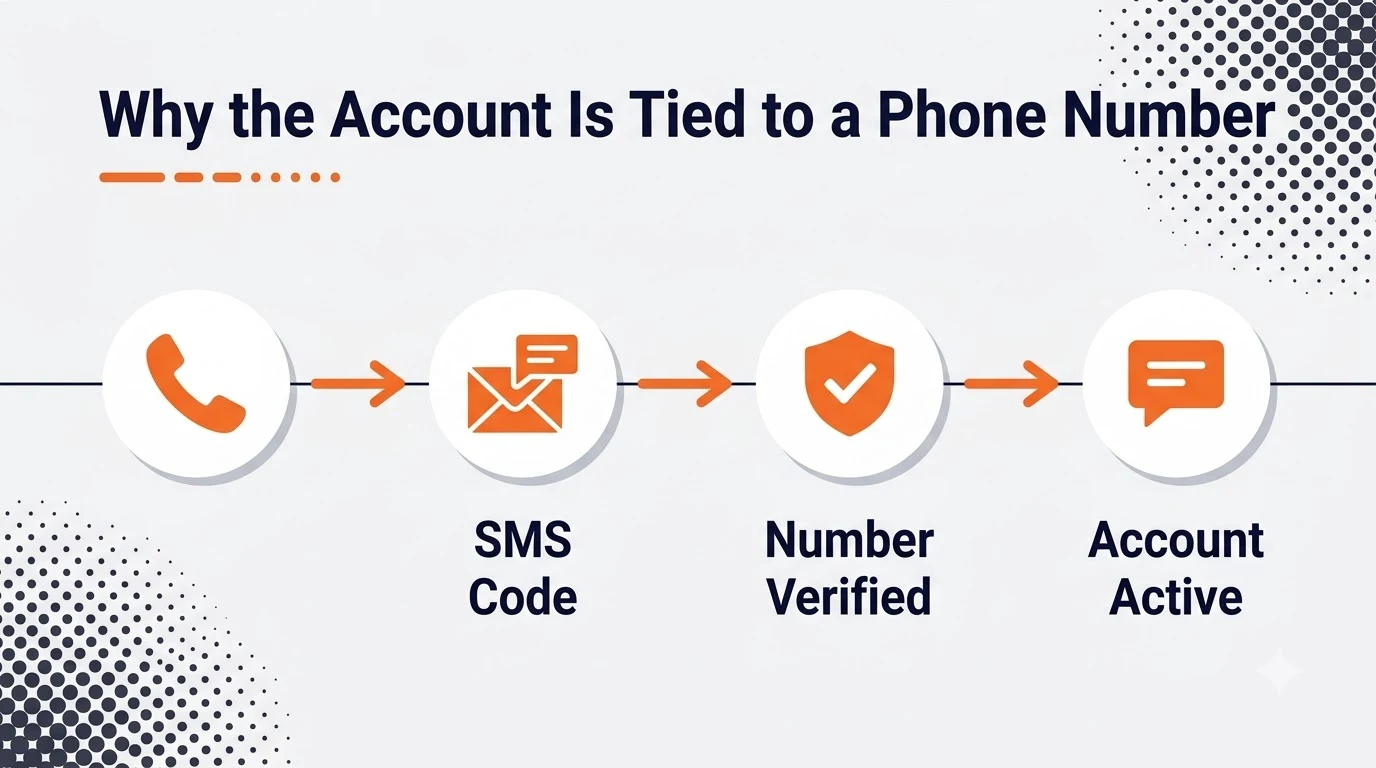
The number is the account — there's no separate username layer sitting on top of it the way some other messaging apps work. That's also what makes the number itself the natural place to draw a line between a personal account and a business or support one: each needs its own number, since WhatsApp allows one personal account per number.
What Counts as a Valid Number for WhatsApp
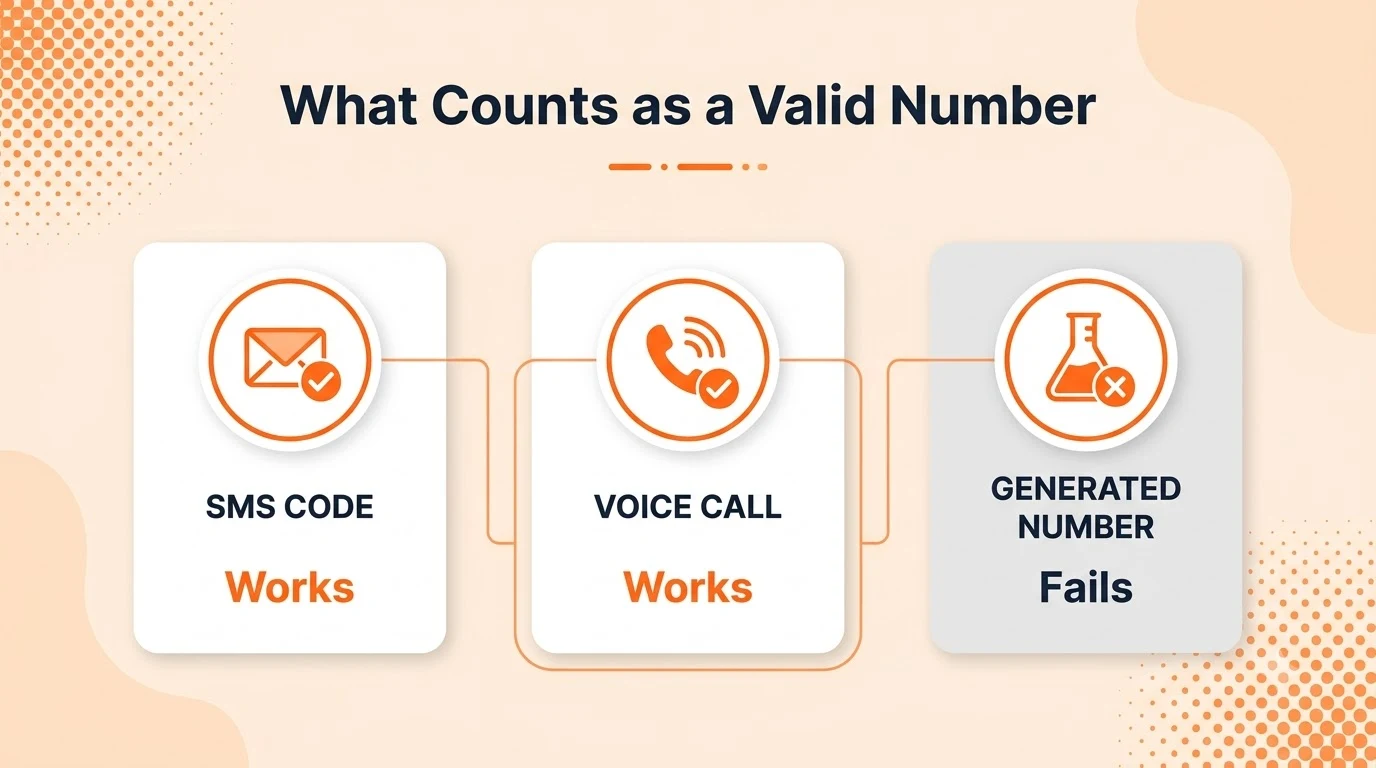
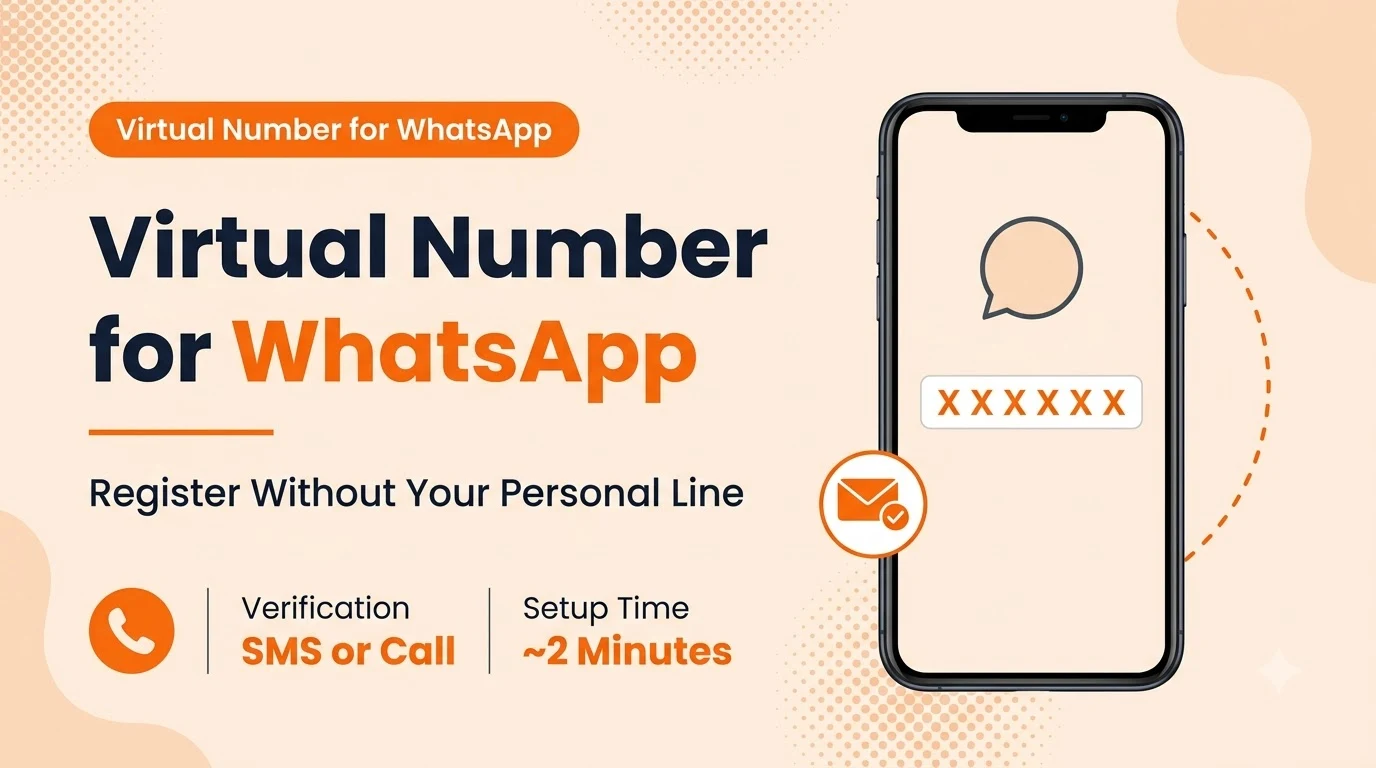
WhatsApp sends a six-digit code by SMS as soon as you enter a number, and offers a voice call read-out after a short wait if the text doesn't show up. Any real, working number that receives one of the two clears verification — landline-style virtual numbers commonly rely on the voice-call option specifically, since they were never built to receive SMS in the first place. A generated or placeholder number fails both, since nothing is actually provisioned to answer.
Using a Virtual Number Instead of Your Personal One
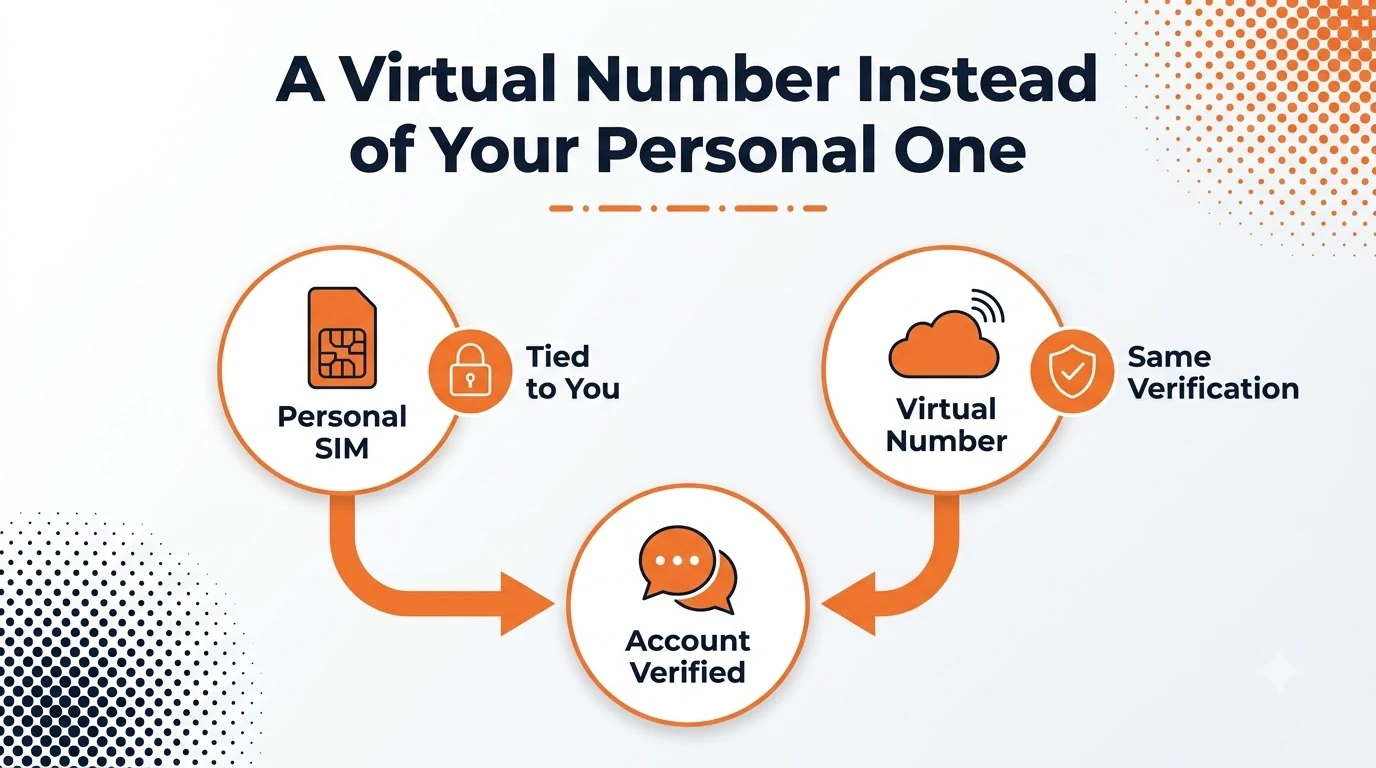
A virtual phone number receives SMS and voice calls the same way a SIM-based line does, and WhatsApp's verification step has no way to tell the two apart. That's exactly what makes it the practical choice for a WhatsApp Business account, a support line, or any second account you don't want tied to your personal cell.
Local numbers tend to be the safest first choice for SMS delivery. If the number you're registering is toll-free or a landline-style virtual line, plan on using the voice-call verification option rather than waiting on a text that may never arrive.
Setting It Up Step by Step
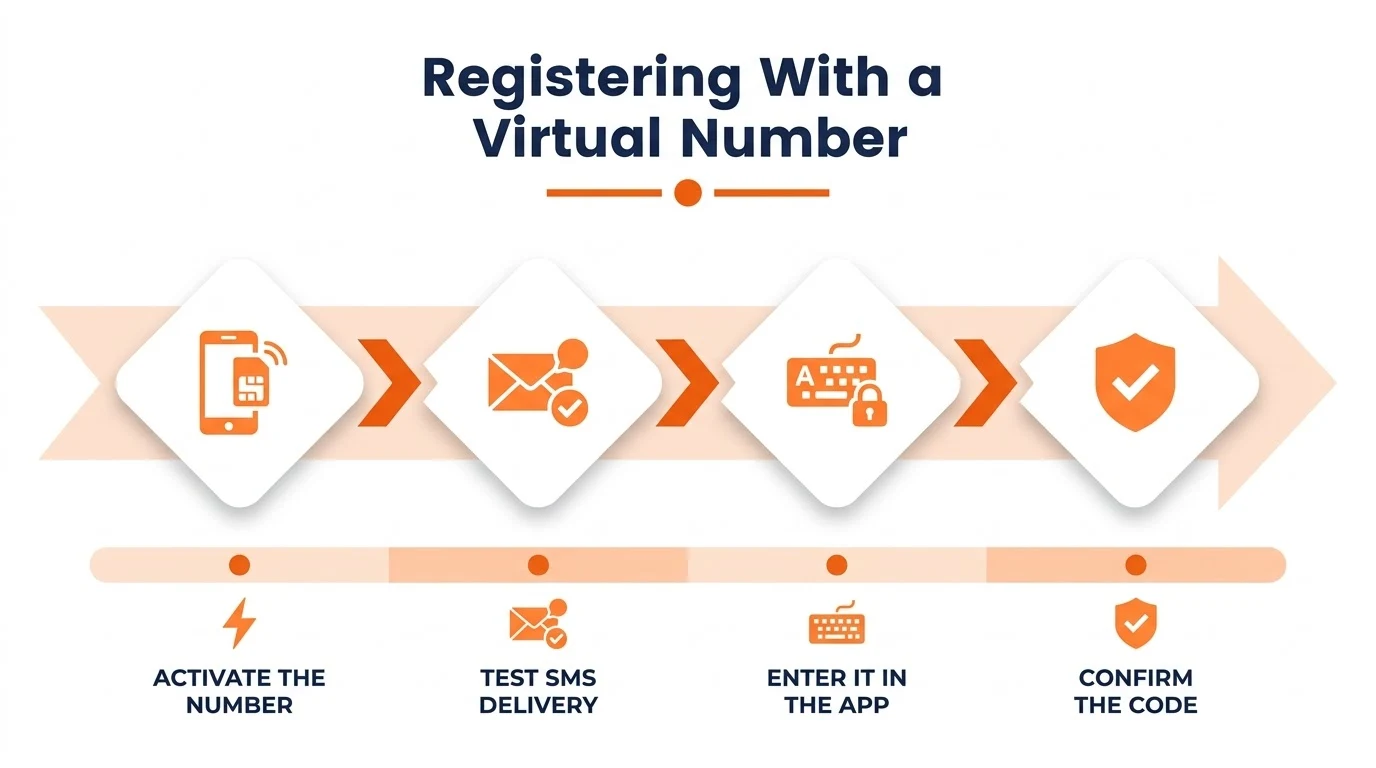
- Activate the virtual number and send it a test SMS before opening WhatsApp — confirming delivery upfront avoids burning a registration attempt on a number that can't actually receive the code.
- Open WhatsApp and enter the number with its country code.
- Wait for the SMS, or request the voice call if the number doesn't support texting.
After You've Registered: Linked Devices and Number Changes
Once the account is live, WhatsApp Web and the desktop app link to it without needing the phone nearby after the initial pairing, which matters for a support team sharing one business number across a desk. If the virtual number ever needs to move to something else, Settings > Account > Change Number transfers the account — including chat history — to a new number without starting over.
Mistakes That Cause Registration Trouble
- Registering with a generated or placeholder number — it can't receive the SMS or voice call at all.
- Waiting on SMS delivery to a landline-style or toll-free virtual number instead of switching to the voice-call option.
- Trying to register a second personal account on a number already tied to an existing WhatsApp account.
- Losing access to the virtual number without first using Change Number to move the account to a new one.
WhatsApp's own help center covers the exact verification flow and what to do if a code doesn't arrive, worth a quick check before registering a number type you haven't used with the app before.
Conclusion
WhatsApp's phone number requirement comes down to the same SMS-or-call check most messaging apps use, and a real virtual number clears it exactly the way a personal SIM would.
For a business line, a support team, or any account you'd rather keep separate from your personal number, a virtual number is the simpler path — and letsdial is built to get one active in the couple of minutes registration actually takes.
Frequently Asked Questions
Written by Aryan Khan · July 19, 2024
Reply to the author